What it does in practice
Project planning at a glance
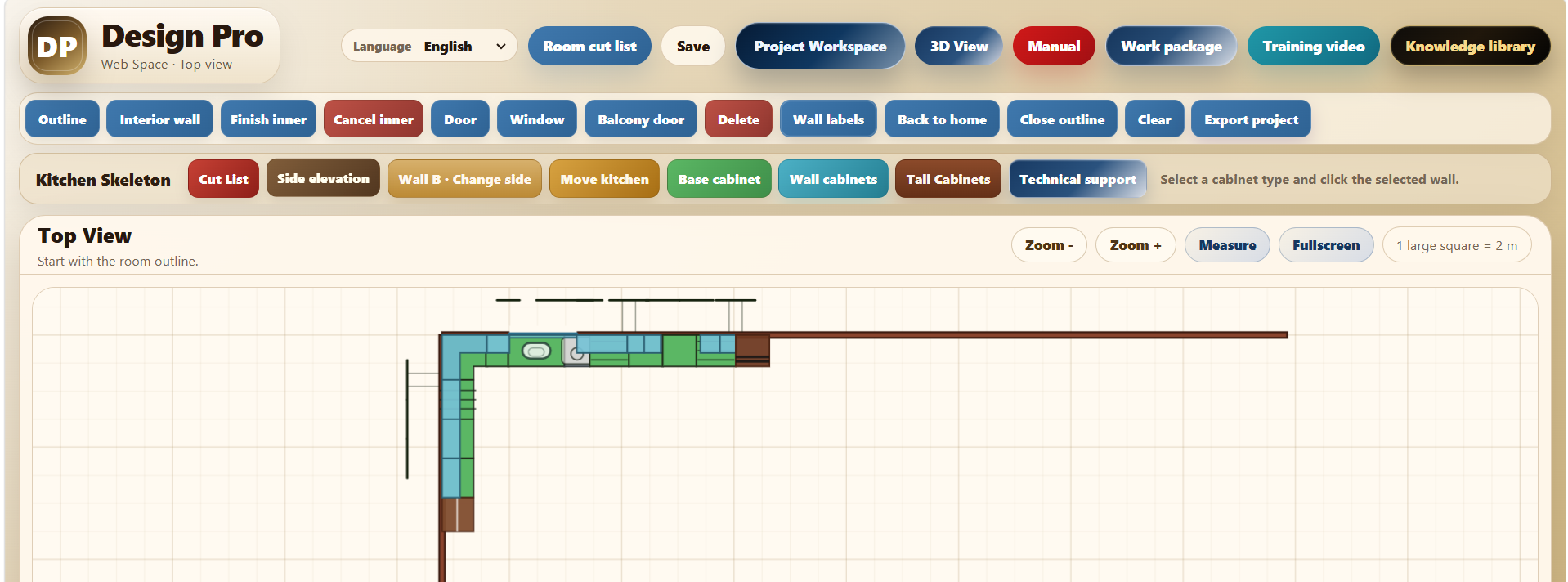
Project Workspace organises saved 2D plans and project details in the browser, making them easier to find, review, duplicate, archive and reopen during the planning process.
How it helps before building or quoting
Project Workspace is the local 2D project organiser. It can save the current plan, search projects, filter active or archived work, duplicate a project and restore an archived one.
Project Workspace organises saved 2D plans and project details in the browser, making them easier to find, review, duplicate, archive and reopen during the planning process.
How project storage works
Your Project Workspace saves project data locally in the browser on your device, so you can manage your saved plans in the current workspace.
Frequently asked questions
Are these real DesignPro features?
Yes. The project management actions described here are available in the current DesignPro.gr interface.
Is final technical verification still required?
Yes. DesignPro supports planning and organisation, but final dimensions and production decisions must be verified on site.