What it does in practice
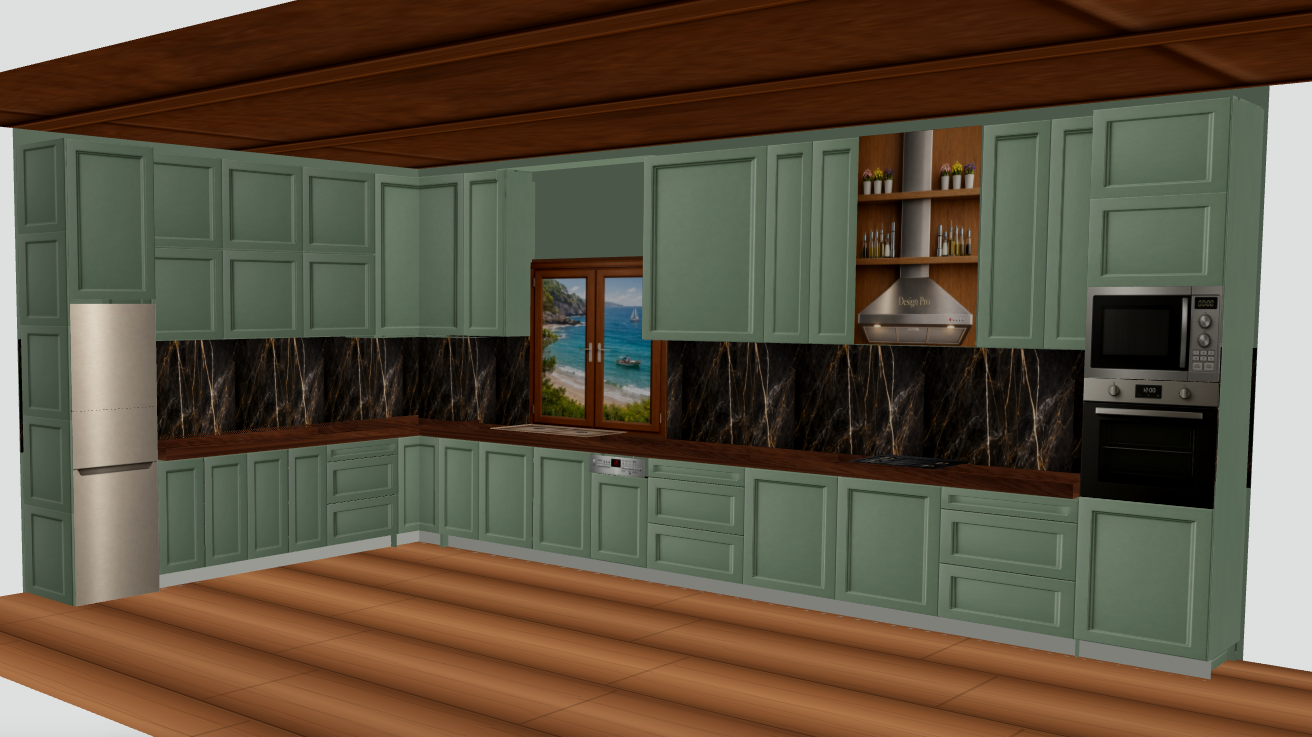
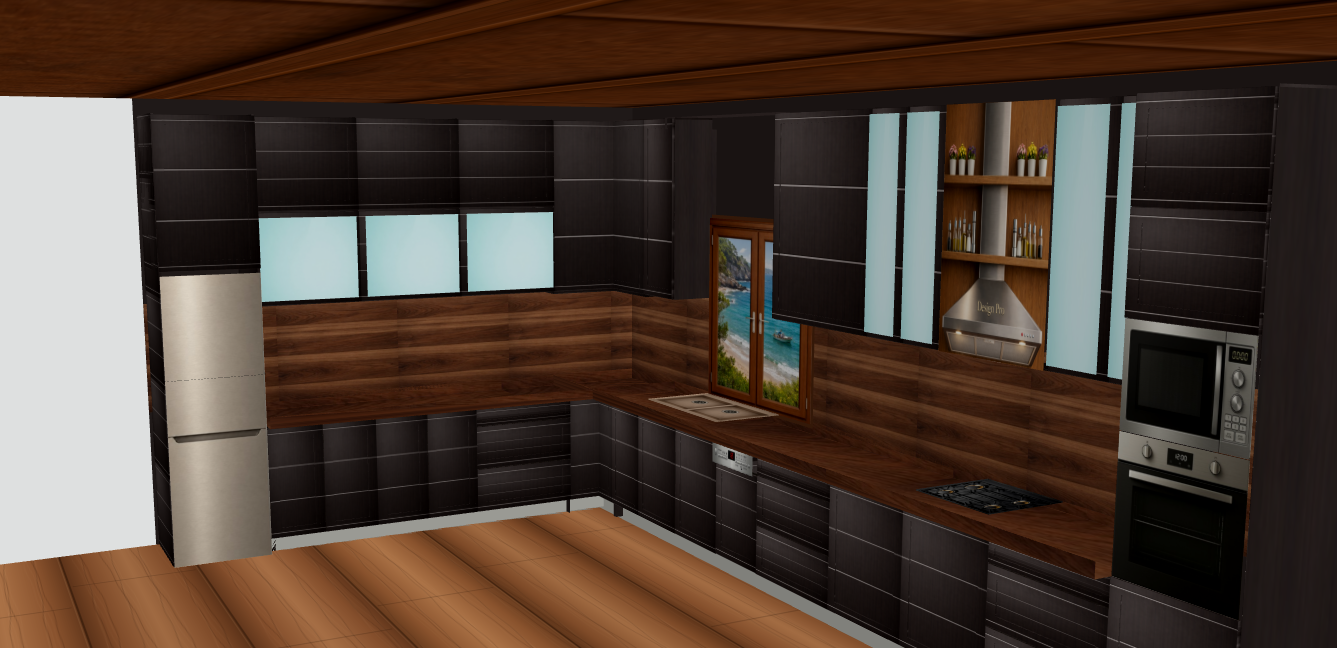
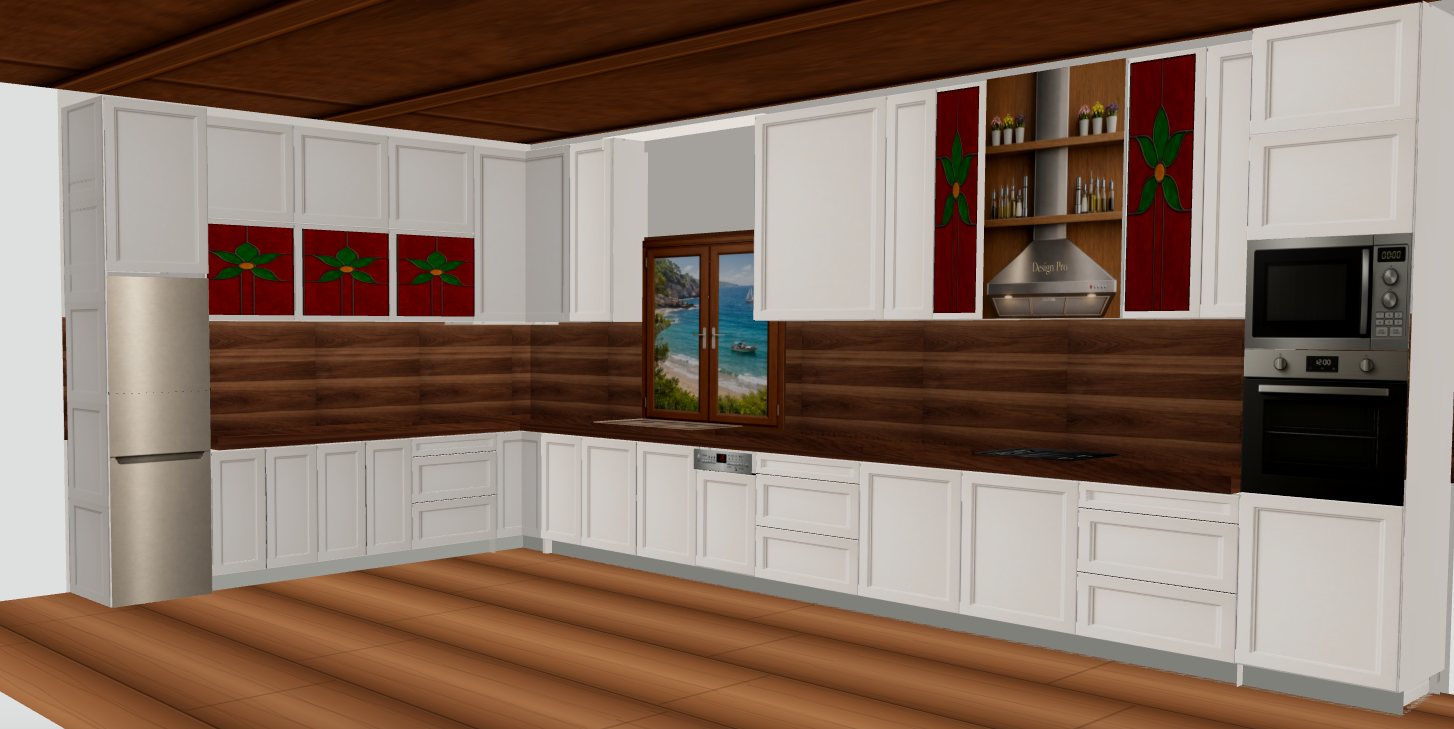
Change cabinet-front colour and style.
Change the worktop and backsplash finish.
Compare light, dark and coloured versions without changing the core layout.
What the image proves
This helps the client separate an aesthetic decision from the geometric layout decision.
How it helps before building or quoting
A meaningful comparison keeps the same geometry and changes the finish. The 3D variations show the same layout with different fronts and surfaces.
This helps the client separate an aesthetic decision from the geometric layout decision.
Boundary and technical verification
3D textures are visual simulations. Physical samples and real lighting should be checked before purchase.
Frequently asked questions
Are these real DesignPro features?
Yes. This page describes functions present in the current interface or, only where explicitly stated, an upcoming feature.
Is final technical verification still required?
Yes. DesignPro supports planning and organisation, but final dimensions and production decisions must be verified on site.
Related features
Project Workspace: keep projects, clients and versions organisedRoom Cut List: understand the space before the kitchen is builtDoors, windows and balcony doors inside the real kitchen planWork Package: turn the design into an organised project folderDesignPro Manual: guidance inside the planning toolKnowledge Library: technical kitchen answers inside DesignProWall cabinets from 60–120 cm: build vertical compositionsReal dimensions and geometry: not decorative boxesPhotorealistic DesignPro: the next step from 3D to before/after